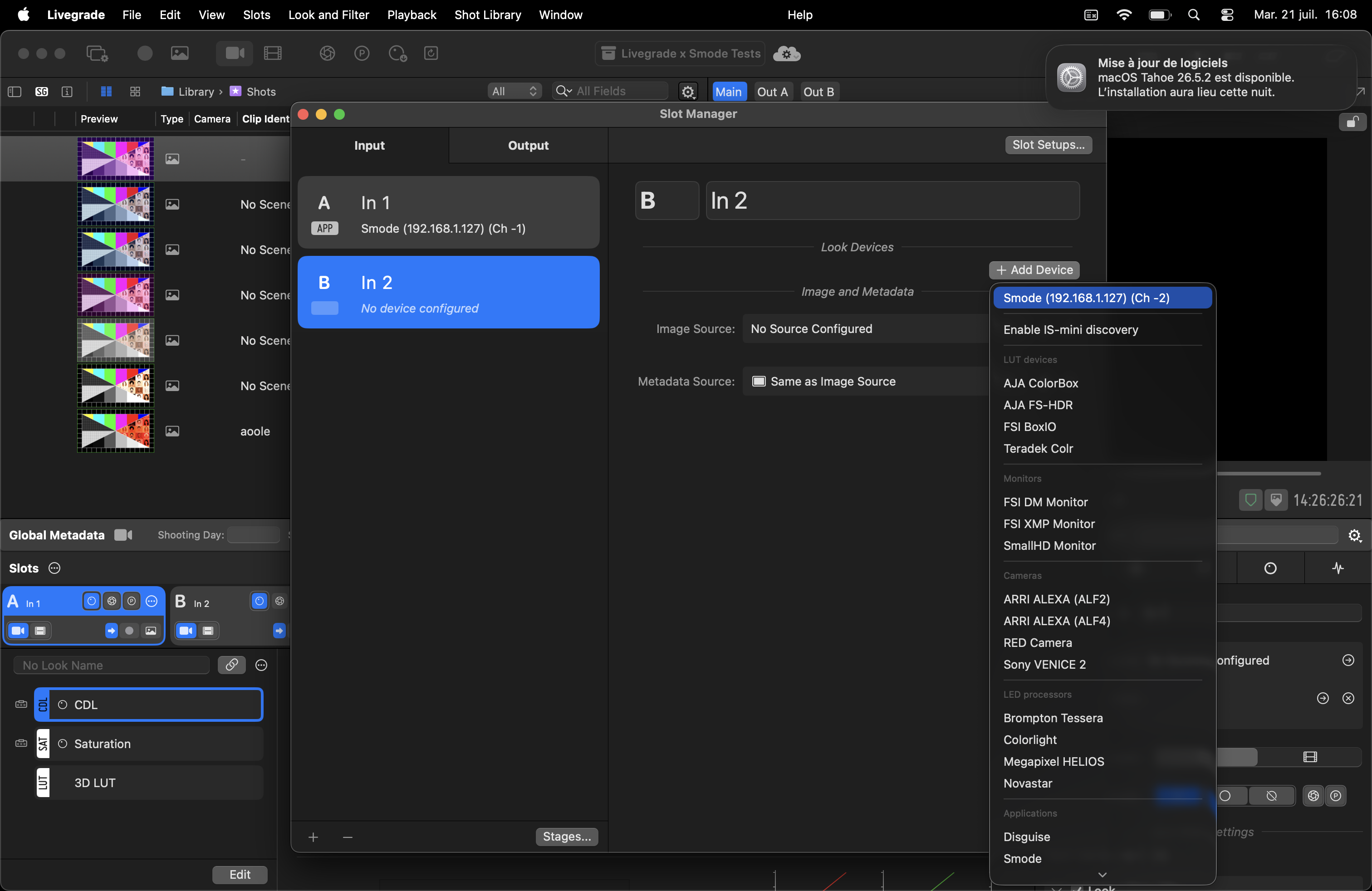
Use Livegrade with Smode
connect Livegrade to SMODE to control the color grading
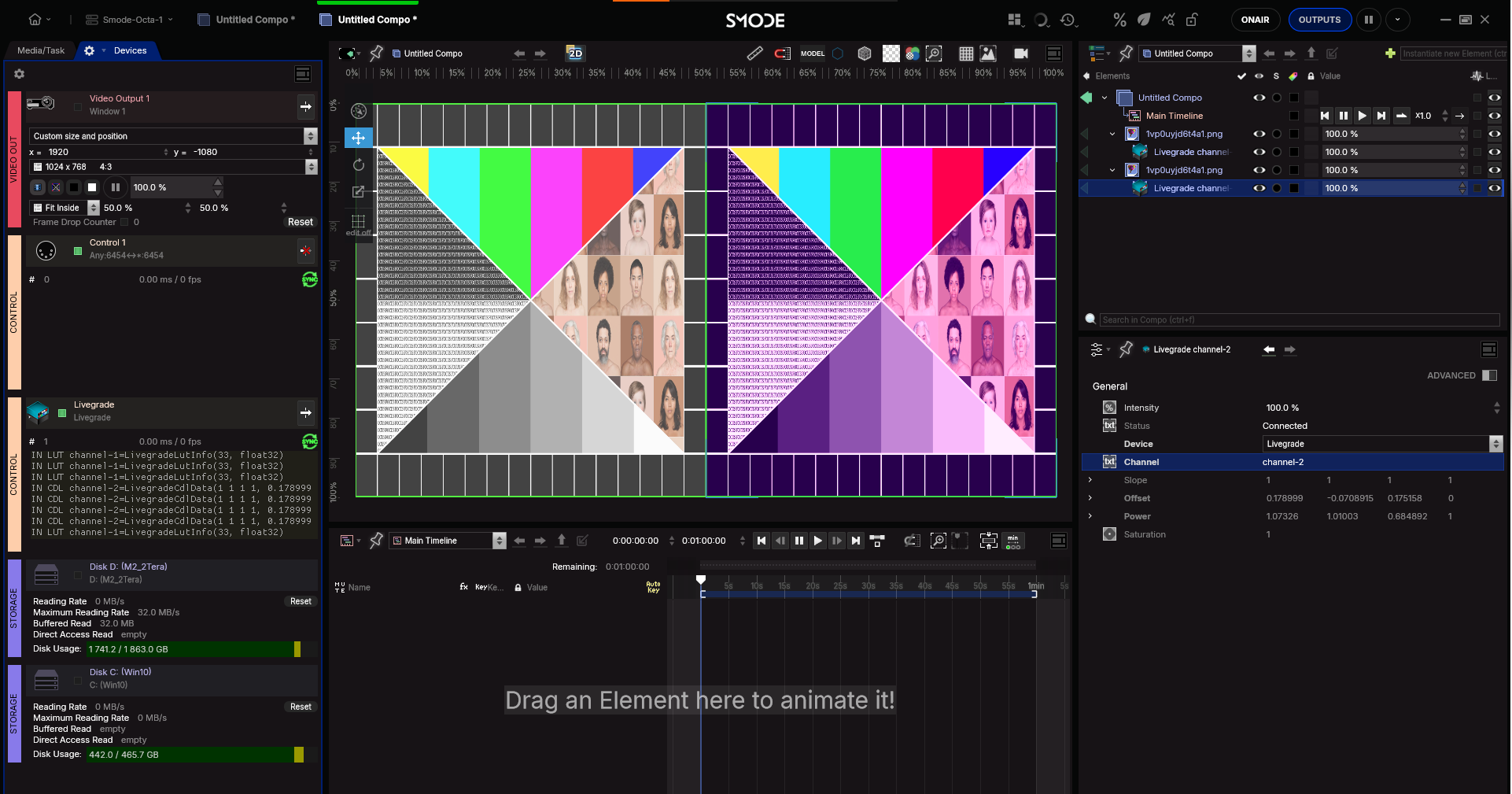
In SMODE
First create a new control device: Livegrade
then you can create a
 Livegrade Color Modifier
from the modifier menu,
Livegrade Color Modifier
from the modifier menu,
that you can connect to the device and chose a channel name
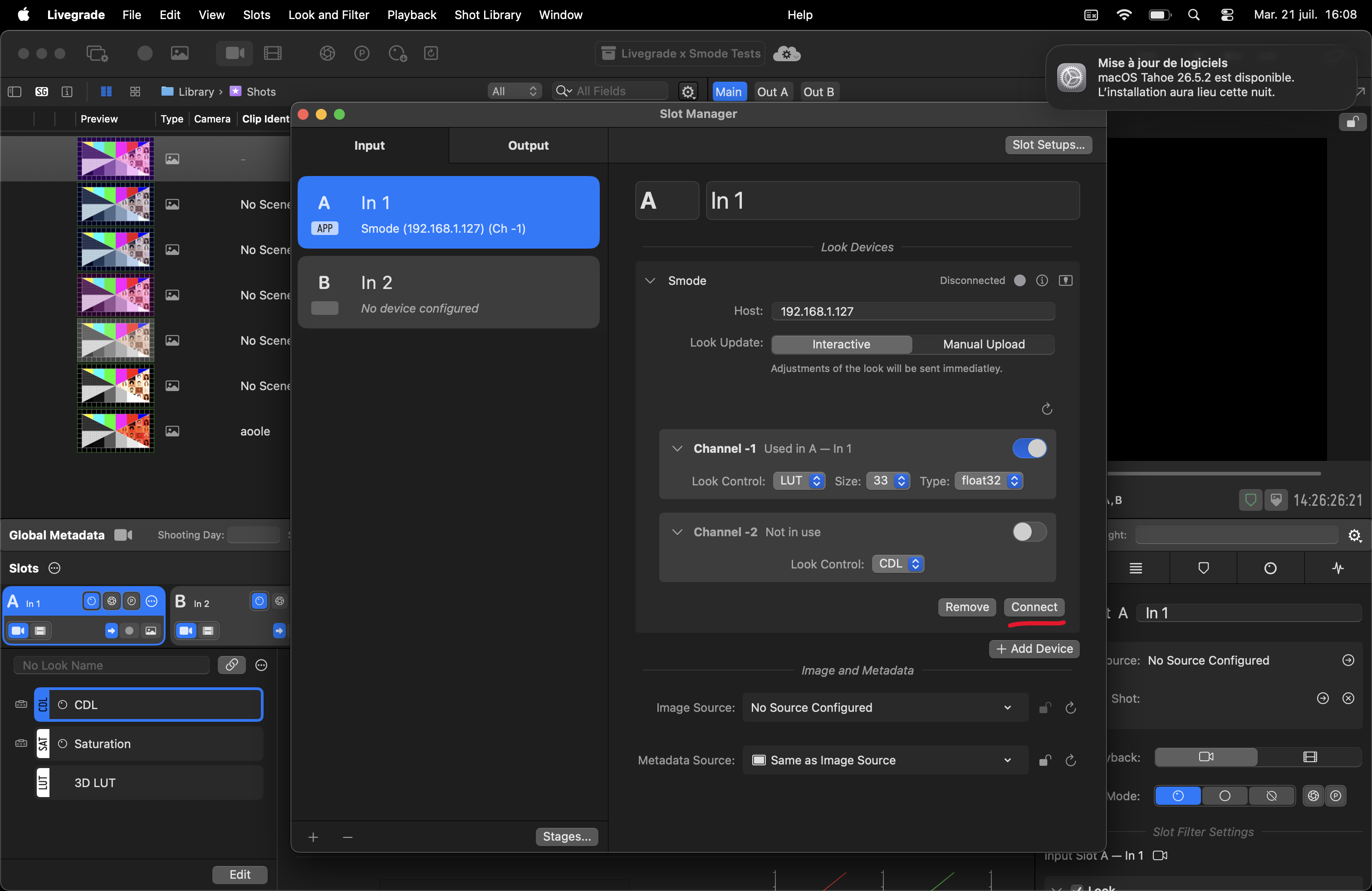
In Livegrade
after that you can add the SMODE connection and select the channel you want to control
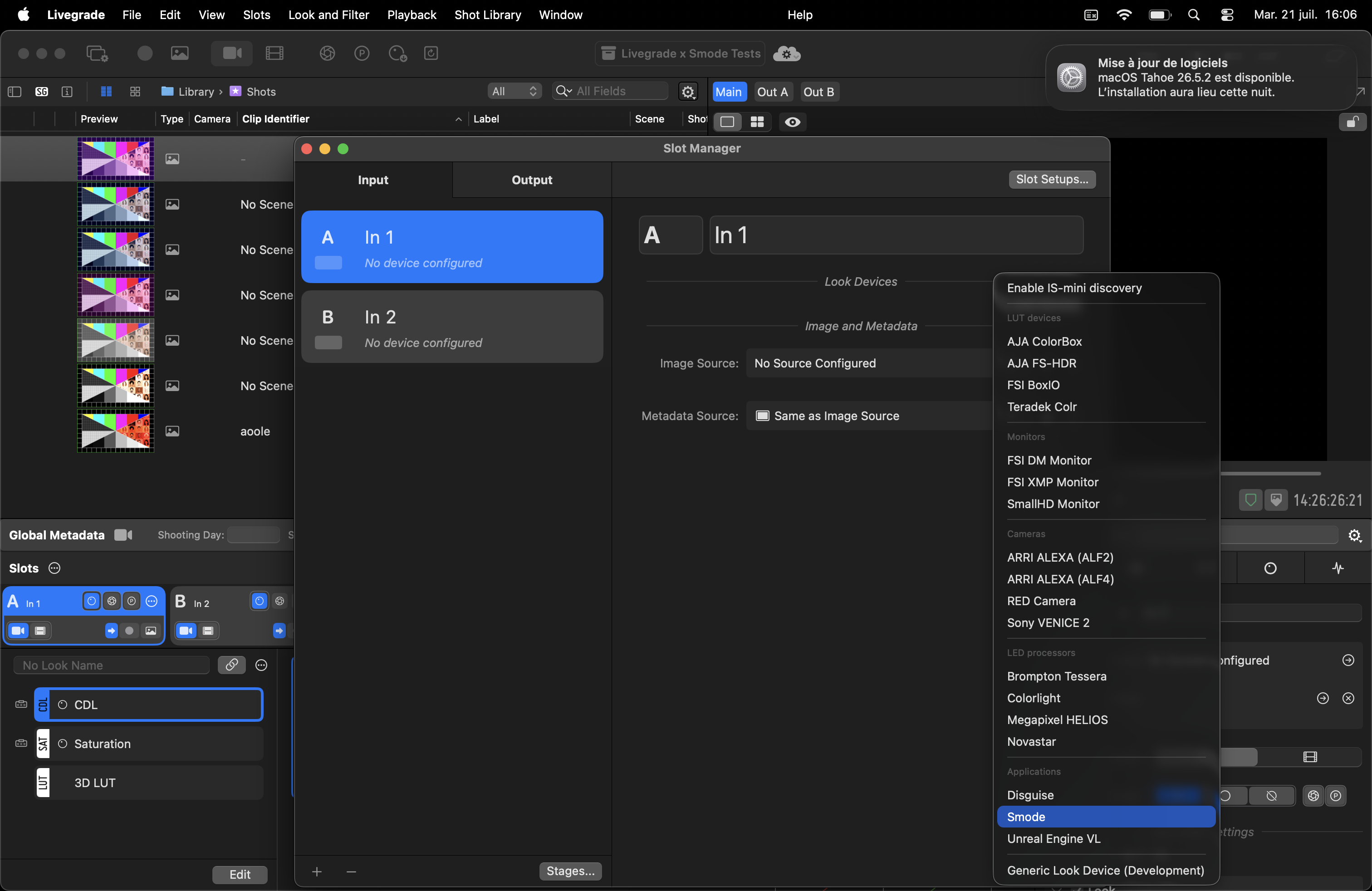
If you want to control a second or more channels you can add the already created device to another slot