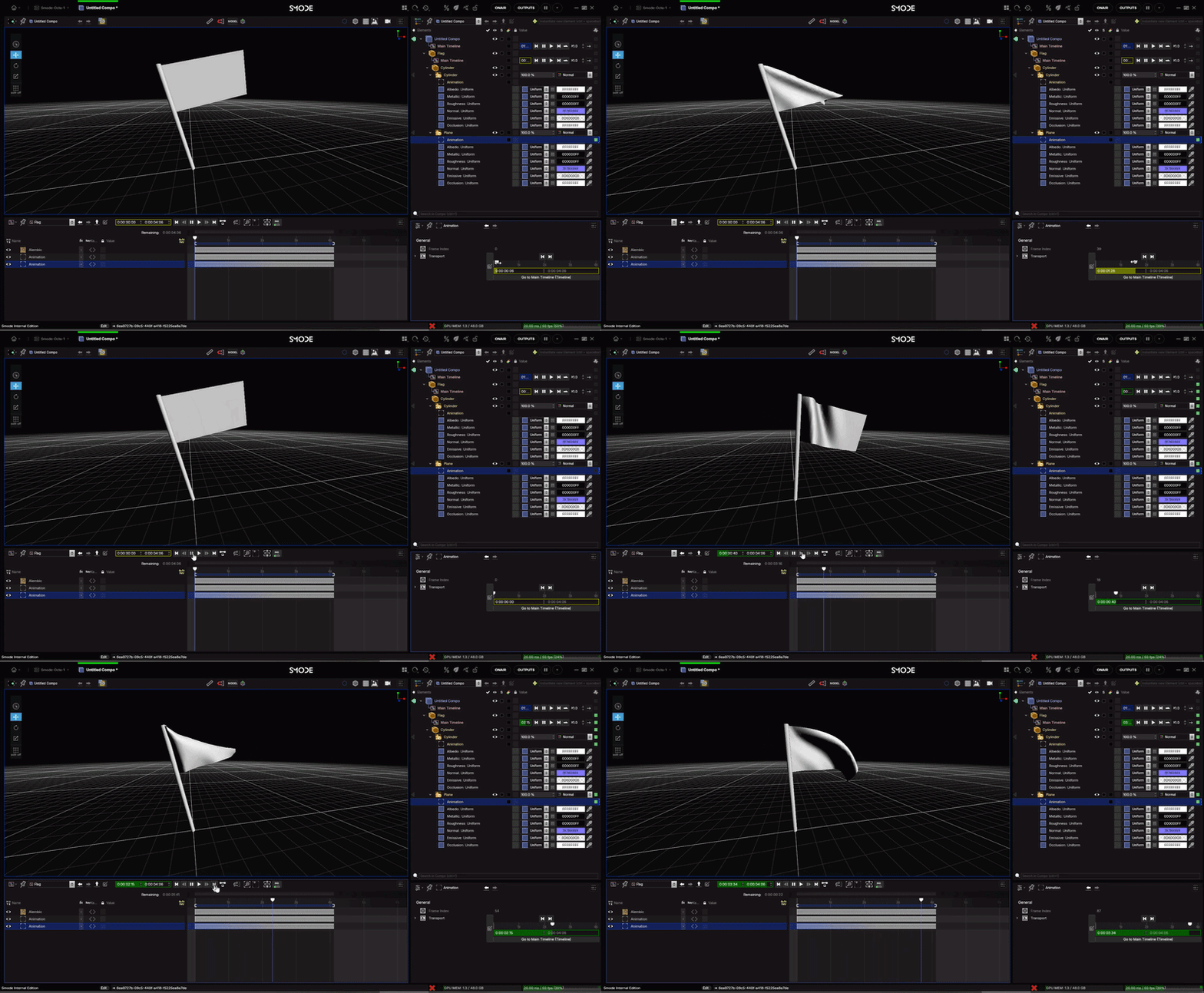
Using Alembic .Abc files
How to use external Alembic files with it’s animation.
It is possible to import a Alembic files as
 3D File
into SMODE.
3D File
into SMODE.
to do that take an Alembic file and simply drag and drop it from the media directory to the compo tree and select the option you need:
as a Reference
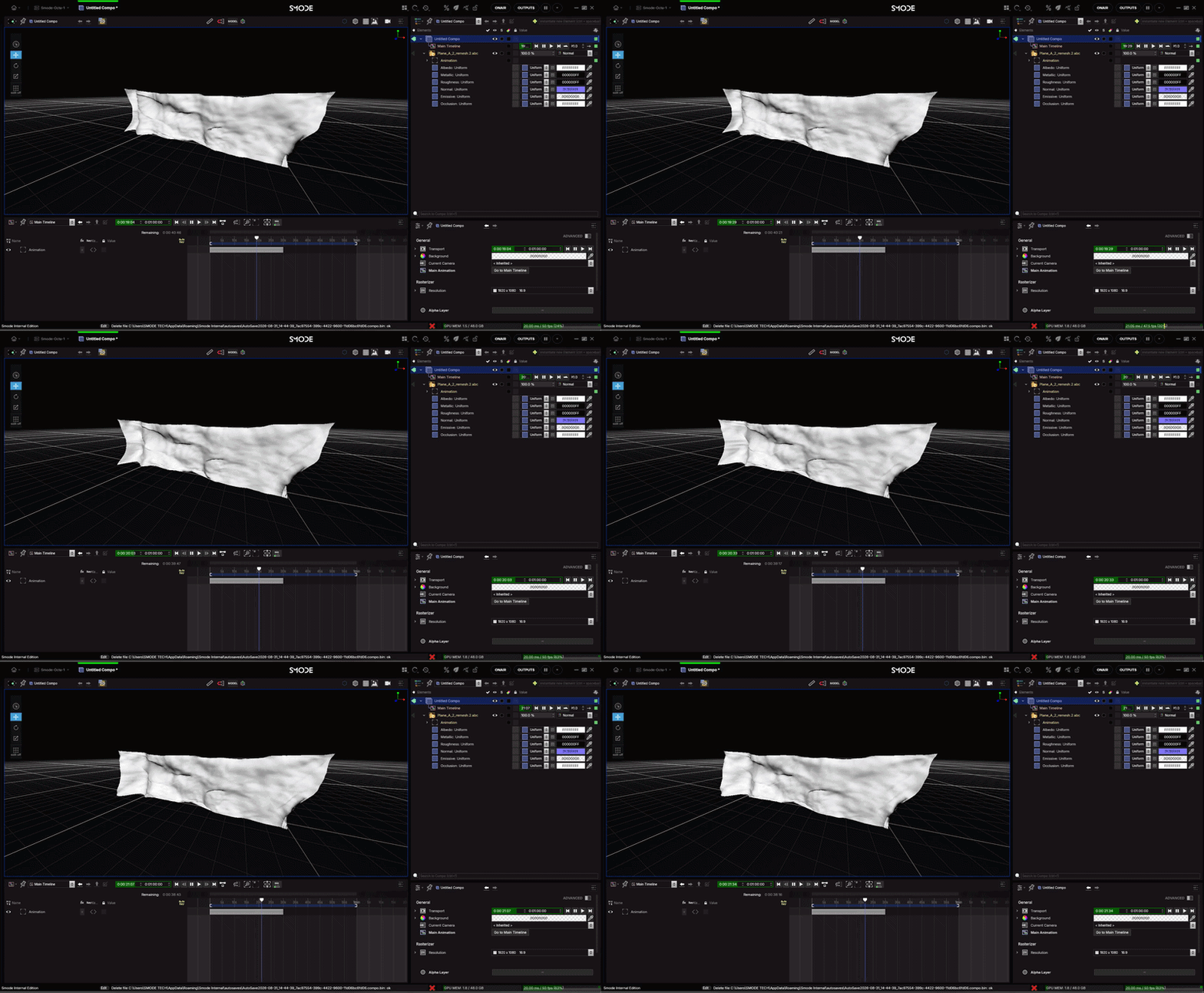
This is when you have files with a single object like below
It will create a
Transport
as a 3D Group
This will import the multiple objects into the SMODE tree allowing you to texture and playback the different objects individually
or globally by using the automatically created timeline