Install NVidia Video effects
Download video effects according to your GPU form here: https://www.nvidia.com/en-us/geforce/broadcasting/broadcast-sdk/resources/
Verify the minimum driver version on the NVIDIA broadcast-SDK page to make sure you have the right GPU driver
you need to restart your computer after installing the effects SDK
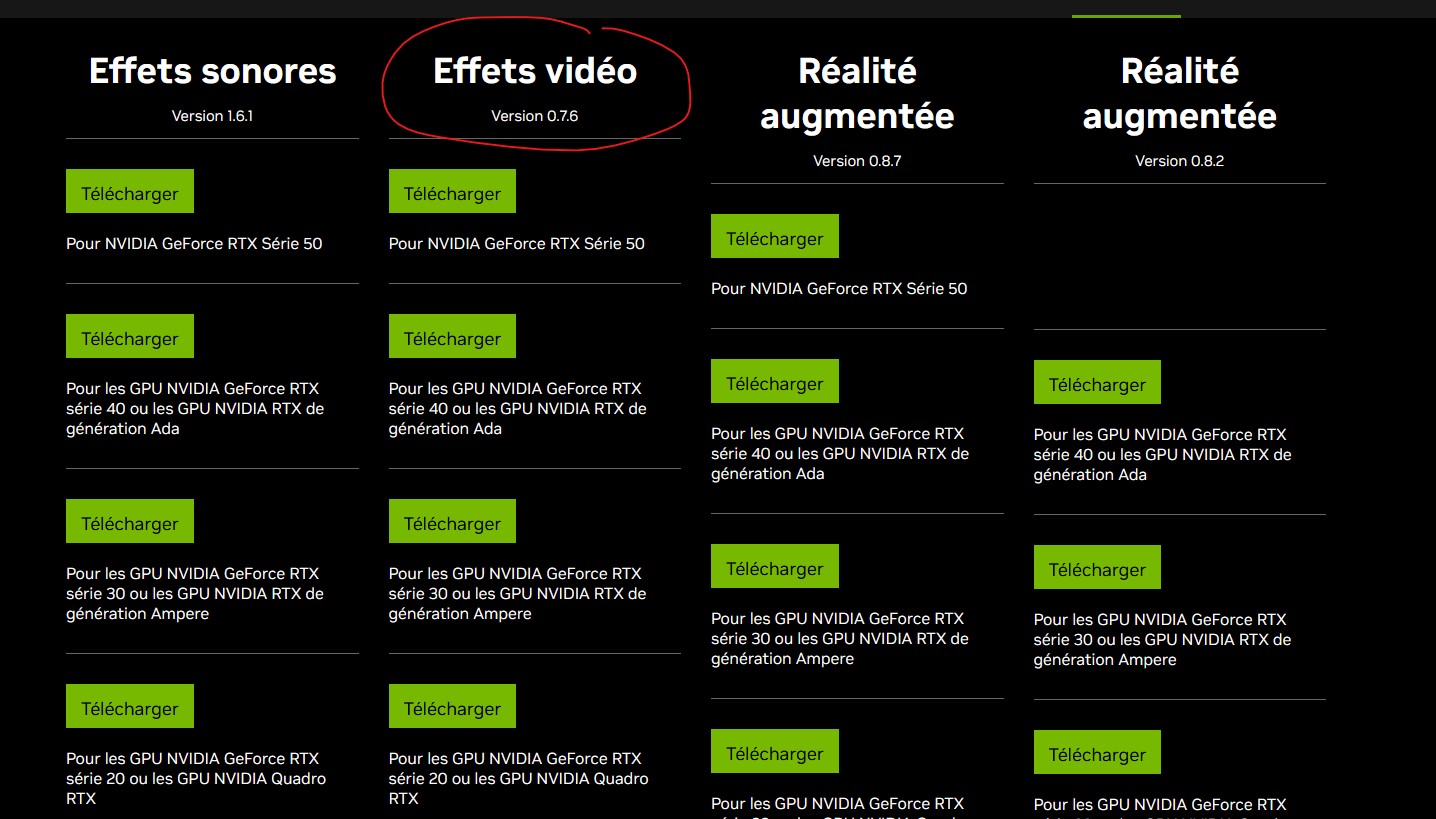
You can also try this one if the link above does not work, it’s the old 0.6.5 version
AMPERE (30xx, RTX Professional): nvidia_video_effects_sdk_installer_ampere.exe
TURING (20xx, RTX Quadro): nvidia_video_effects_sdk_installer_turing.exe
Troubleshoot
on a server with one GPU for UI and one for Outputs if you have the error Failed run the effect with in the logs Error: NVCV Error: An error has occurred in the NPP library
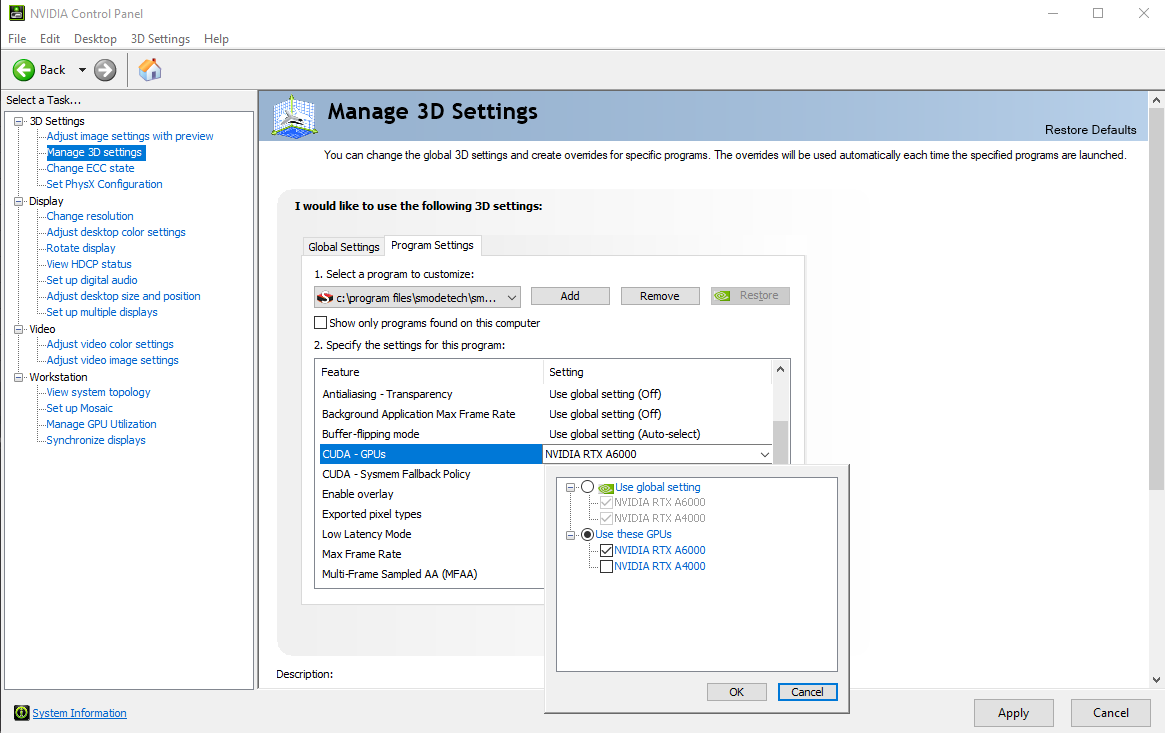
Check if the GPU selection is correct in the SMODE preference and also try to force the cuda device that SMODE will use via the Nvidia control panel like that: